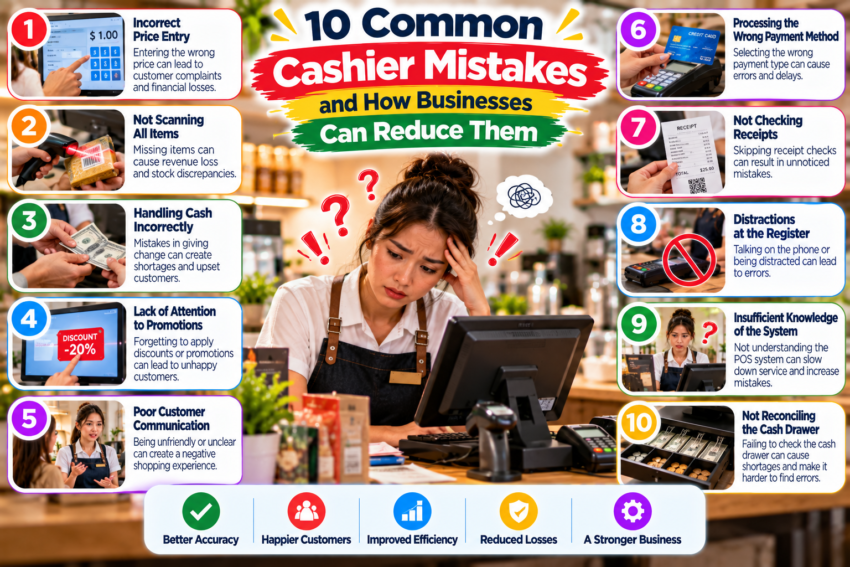
Even experienced cashiers make mistakes.
The goal of a good business is not to pretend errors will never happen. It is to create a workflow that makes common errors less likely and easier to identify.
Here are several problems worth watching.
1. Entering the Wrong Quantity
A cashier may accidentally enter 10 items instead of one.
Clear screens, confirmation prompts for unusually large quantities, and employee attention can reduce this problem.
2. Selecting the Wrong Product
Products with similar names can easily be confused.
Adding clear product names, categories, SKUs, and product images where appropriate can make identification easier.
3. Giving Incorrect Change
Cash transactions require extra attention.
A POS system that clearly displays the amount received and the change due can help, but employees should still verify the money before handing it to the customer.
4. Using the Wrong Discount
Discount buttons can create problems when employees do not understand when each promotion applies.
Create simple rules and train employees before promotions begin.
5. Forgetting to Scan an Item
This can happen when checkout becomes busy.
Keeping the counter organized and following the same scanning routine for every transaction can help.
6. Choosing the Wrong Payment Method
Recording a card transaction as cash can create discrepancies at the end of a shift.
Employees should verify the selected payment type before completing the transaction.
7. Processing Refunds Incorrectly
Refunds deserve their own procedure.
Businesses should define who can approve them, what information is required, and how returned products are handled.
8. Sharing POS Accounts
If five employees use one account, determining who processed a problematic transaction becomes difficult.
Individual accounts or employee PINs improve accountability.
9. Ignoring Error Messages
Employees sometimes repeatedly click through warnings when a store is busy.
Training should explain what common POS warnings mean and when employees should call a supervisor.
10. Rushing During Peak Hours
Speed is useful. Panic is not.
An efficient workflow, adequate staffing, and a familiar POS interface can make busy periods much easier to manage.
Mistakes cannot always be eliminated, but good systems and good habits can significantly reduce unnecessary ones.